Automation example
HomeGen
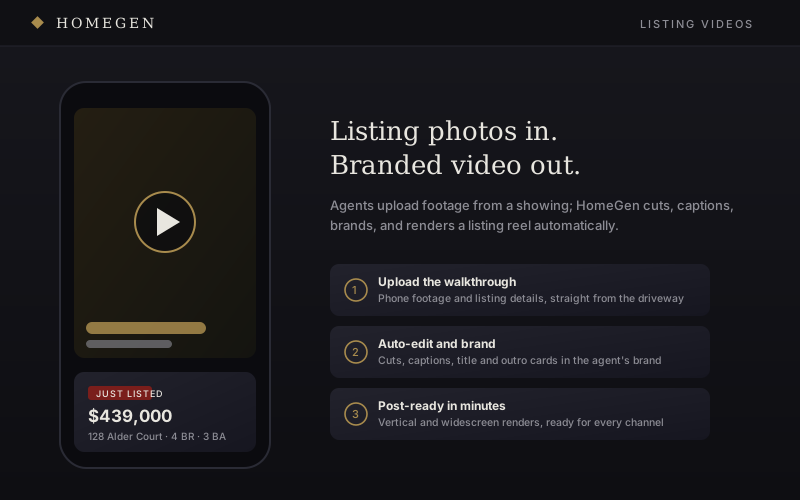
HomeGen shows the automation side of Warpath: upload footage, add listing details, and get a finished listing video back.
Why it belongs here
Same idea, different chore.
The same structure can handle videos, reports, quotes, proposals, onboarding assets, and internal documents.
Upload footage
Walkthrough clips from the showing.
Add details
Address, price, highlights, and agent info.
Auto-edit
Cuts, captions, cards, and channel formats.
Download
Reels and showcase clips ready to post.
What it proves
Media automation
A repeated creative task becomes a repeatable product flow.
Brand kit logic
Colors, headshot, contact info, title cards, and outro stay consistent.
Queue-based work
Uploads can process in the background and notify when ready.
Multi-output packaging
One input can create a reel, showcase cut, listing clip, and campaign asset.
Edit bay in a flow
The user moves through the app and gets usable creative back without rebuilding the edit every time.
Turn the repeated job into a tool.
The useful part is the path: upload, process, review, output, and reuse.